

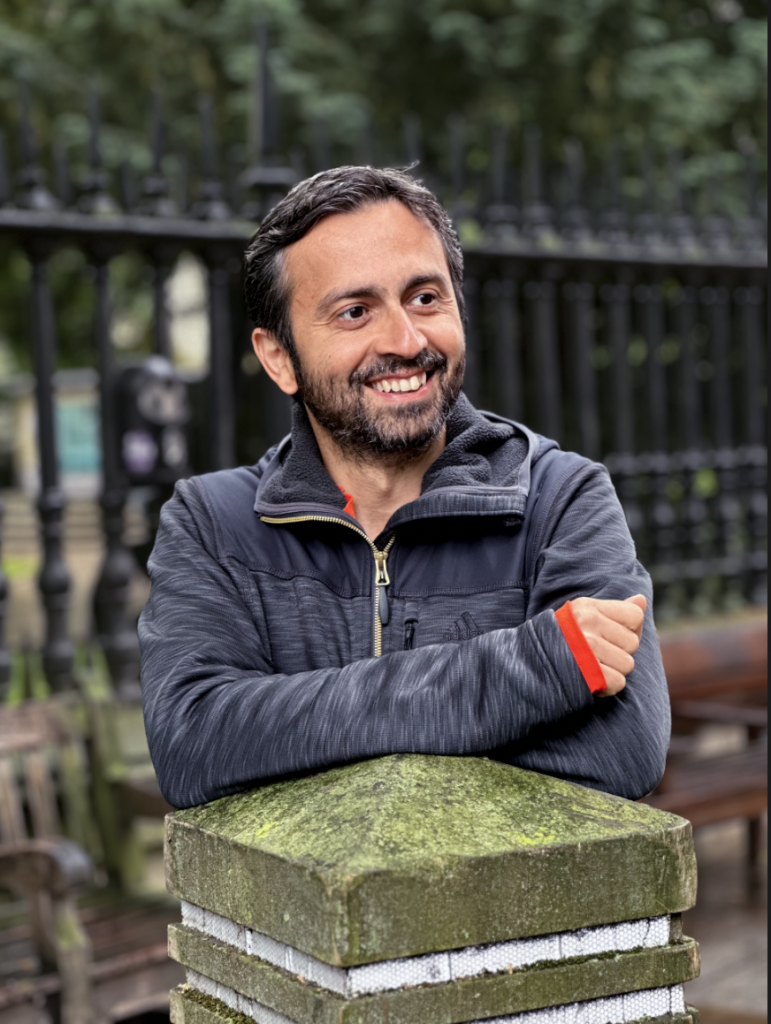
One of the questions I’m asked most often in my workshops is “Why should I edit my photos?”
It’s a great question and a very common one among beginners. Many people feel unsure about photo editing. Some can’t see what difference it will make. Others assume it will take ages. And almost everyone worries they’ll over-edit and ruin the image.
But the truth is: editing is the step that brings your photo to life. It doesn’t have to be complicated, and it certainly doesn’t need to take long. Even simple, quick edits can make a huge improvement.
In this post, I’ll show you why editing matters, how to edit photos on your phone in under a minute, and how to avoid over-editing. It’s the same approach I teach in my photography and editing workshops.
Why Editing Your Photos Makes Such a Big Difference
If you’re wondering why edit your photos at all, here’s the simplest answer: Your camera doesn’t see the world the way you do.
Even the best phones and cameras can get things wrong:
-
A scene looks too dark or too bright
-
Colours appear flat or dull
-
The composition feels slightly off
-
Indoors, everything turns warm or orange
A quick, simple edit can fix all of these issues and help the picture look more like the moment you actually experienced.
Most beginners are surprised to discover that even a 10-20 second edit can make a photo look cleaner, more vibrant and more intentional.
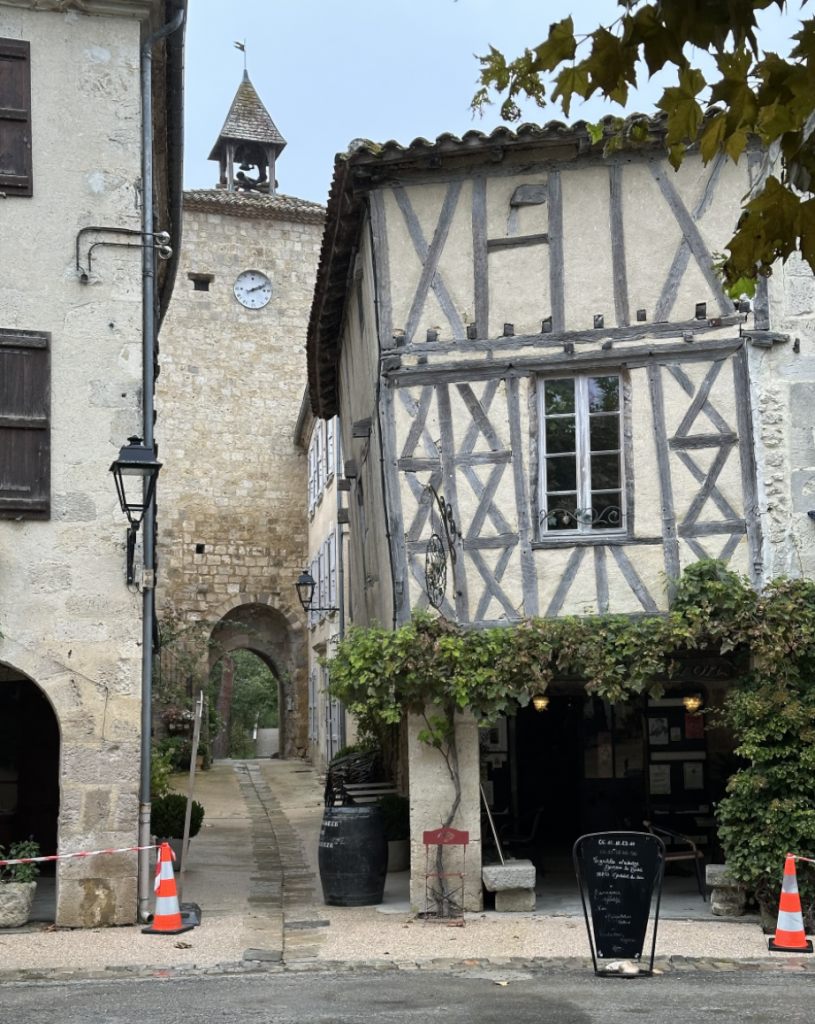
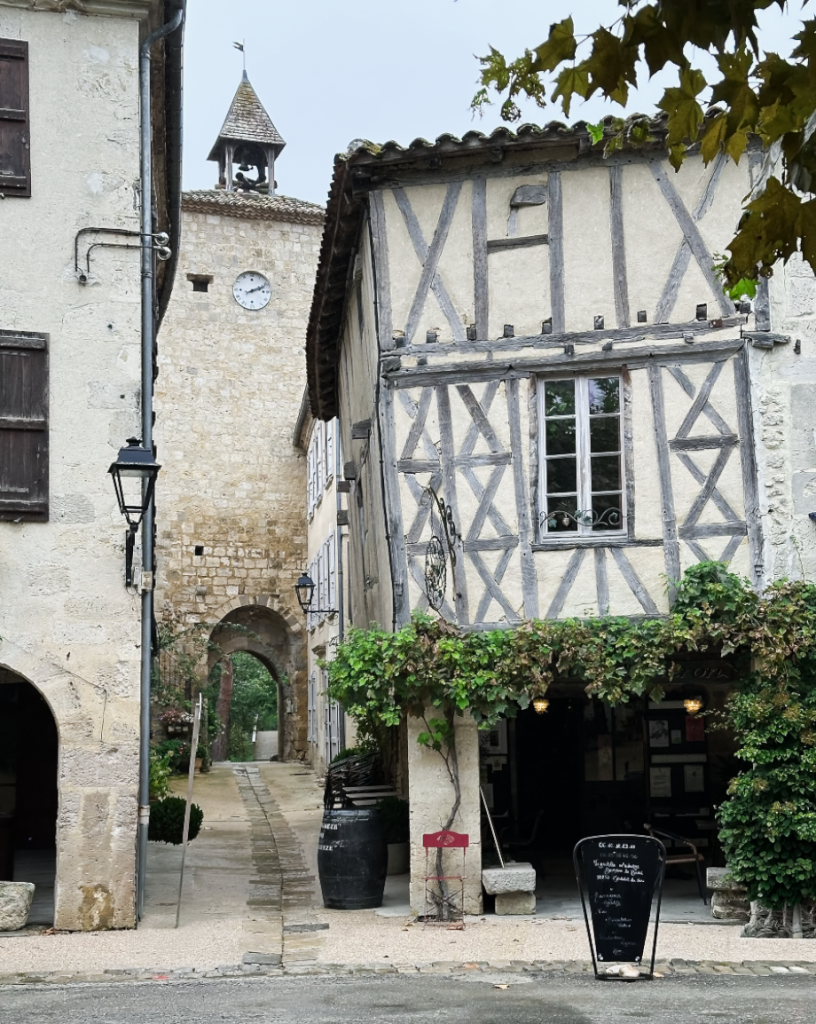
My Two-Step Method: Fix What’s Wrong, Then Add Your Style
To keep editing simple and avoid overwhelm, I teach a clear two-step process:
Step 1: Fix What’s Wrong
Before you get creative, start with the basics.
Think of this as the “quick tidy-up.”
This usually includes:
-
Straighten the horizon
- Crop to improve the composition
- Remove any distractions
-
Adjust exposure (brighten or darken)
-
Add a touch of contrast
-
Correct colour / white balance
These essential fixes work whether you’re using your phone’s built-in editor, Snapseed, or Lightroom.
Doing this first means you get a natural-looking image without much effort, and it helps stop you from over-editing later.
Step 2: Add Your Creative Style
Once everything looks balanced, you can add your personal style.
This might be:
-
Bright and airy
-
Warm and cosy
-
Crisp and cool
-
Dark and moody
-
Vibrant and lively
You can use filters and presets to create these looks quickly, but then tweak them to your taste.
This is where your photos start to feel like your work, not just a “snapshot.”

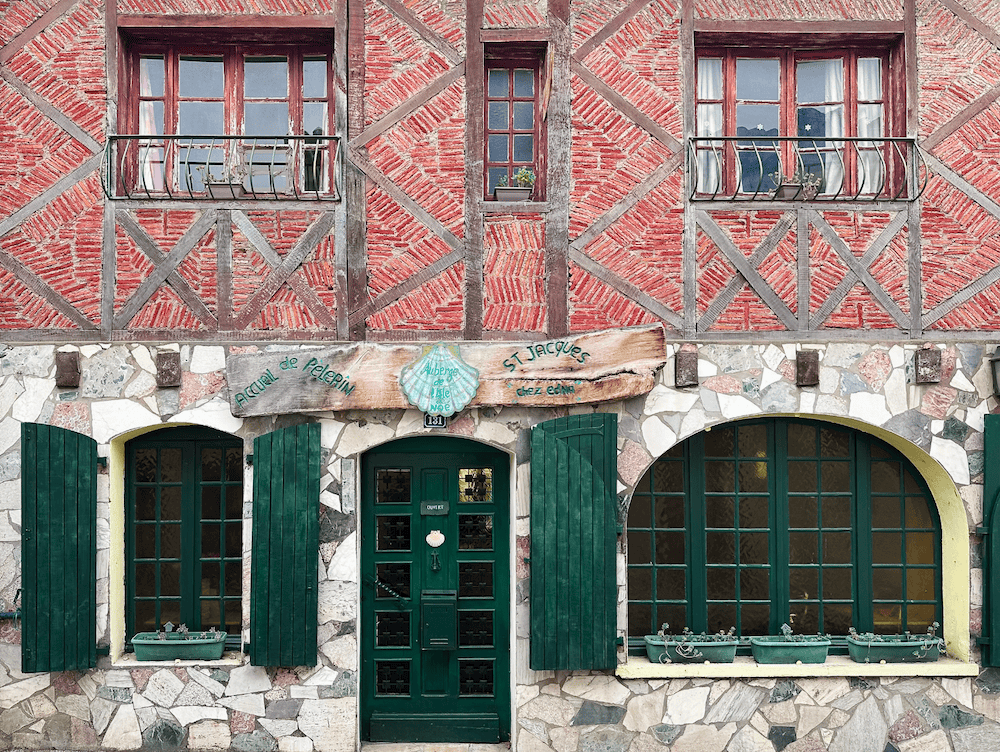
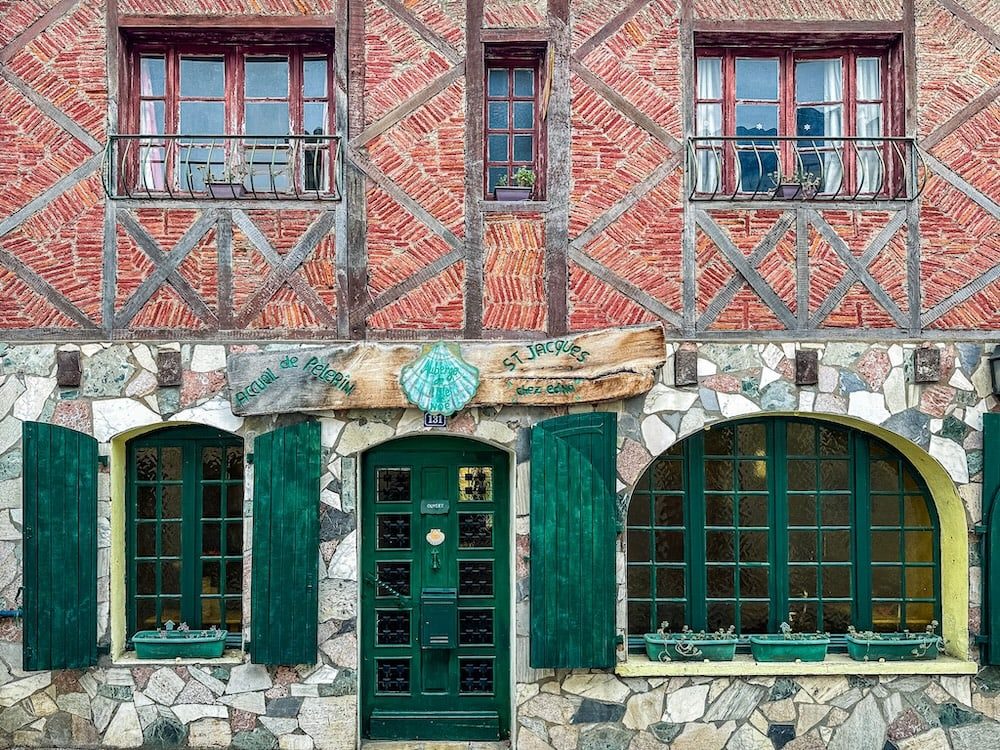
Editing Helps You Develop Your Style
The more consistent your edits become, the more recognisable your style grows. This is where creativity and confidence really start to build.
How to Avoid Over-Editing (A Big Worry for Beginners)
One of the most common fears is doing “too much." Here’s how to keep your edits natural:
-
Make smaller changes than you think you need
-
Toggle the before/after button regularly
-
If something looks a bit harsh, undo or reduce it
-
Avoid extreme contrast, saturation and clarity
-
Stick to a few simple tools — fewer tools = less temptation to overdo it
If you’re unsure whether you’ve gone too far, you probably have! Dial it back a touch, and the image will instantly feel more natural.
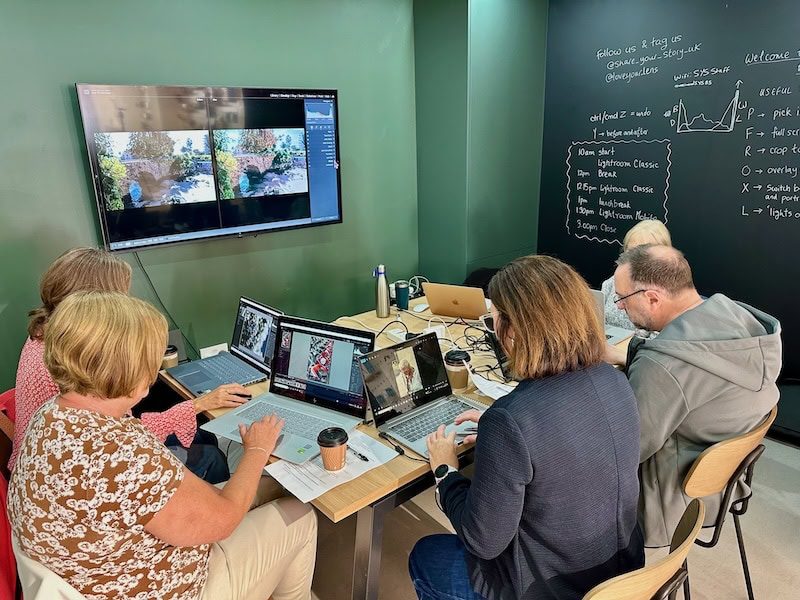
Want to Learn How to Edit Beautifully - Without the Overwhelm?
If you’ve been wondering why edit your photos, or you want to learn quick, simple editing techniques, my workshops are designed exactly for you.
Lightroom for Beginners
Ready for more control? Lightroom is powerful but surprisingly easy when someone guides you step by step. You’ll learn to fix common problems fast, organise your photos, and add your own creative style confidently.
These courses take place at Share Your Story in Altrincham and 2026 dates are available now.
You may find this blog post useful too: Is Lightroom Worth It?
The workshop is relaxed, friendly and designed to make editing feel simple - not scary.
No comments yet.